Beginner5 min
Quick Start Guide
Get up and running with ReqFlow in under 5 minutes
Step 1 of 5
1
Creating a New Project
Start by creating your first requirements project
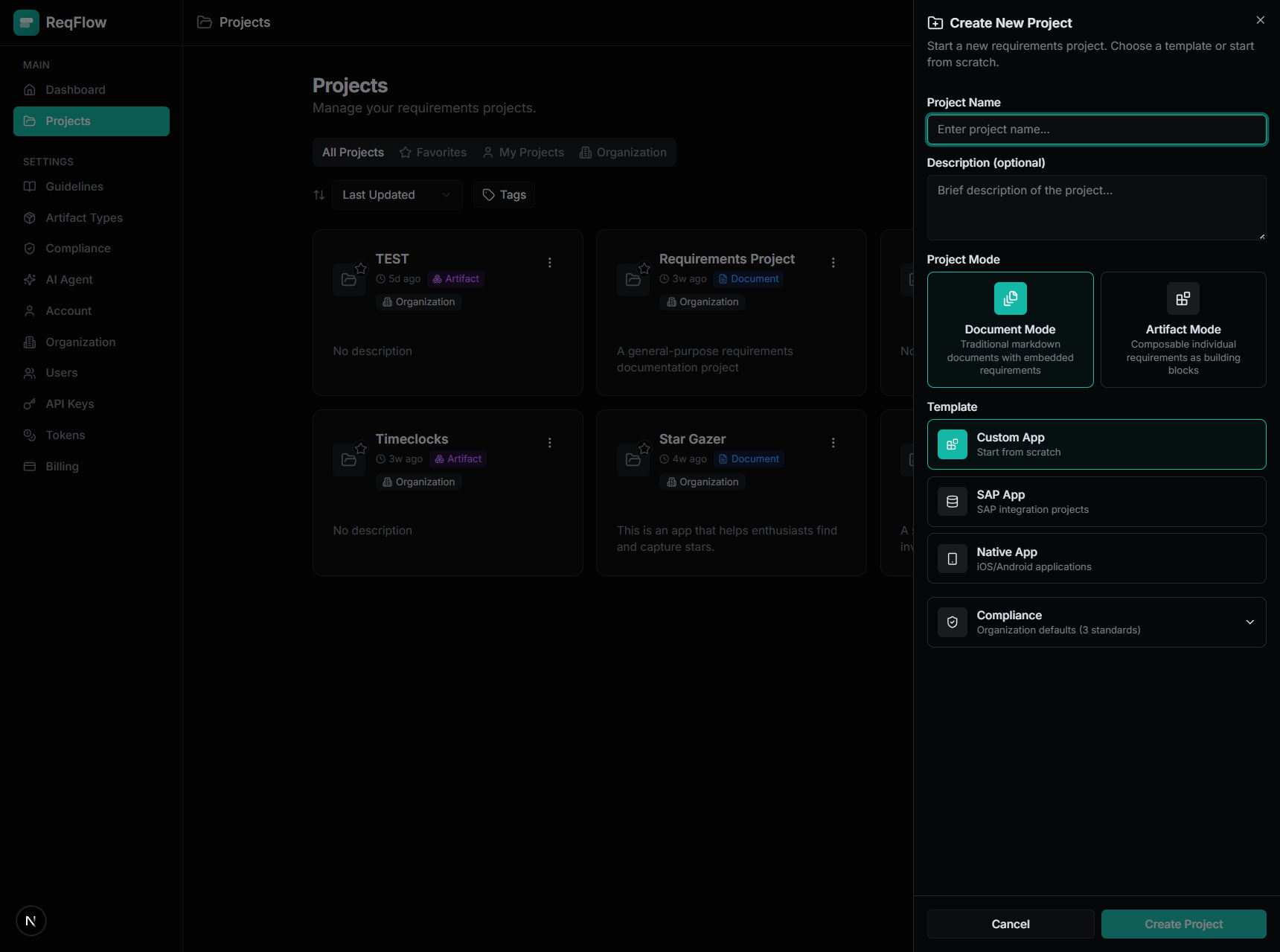
The New Project dialog with four template choices
Create Your First Project
- Click the "New Project" button in the top navigation
- Choose a template that matches your project type:
- Blank Project - Start from scratch
- E-Commerce Platform - Pre-configured for online stores
- Enterprise System - For complex business systems
- Mobile App - Optimized for app requirements
- Enter your project name and description
- Click "Create Project"
Pro Tip
Choose a template that matches your project type to get started faster with pre-configured document types and folder structure.